
Ever wonder why your streaming list never seems to shrink? We all add shows and movies without a clear plan, and soon our queues overflow with unfinished titles. This guide shows you a simple way to trim your watchlist down to the ones you'll really finish.
• First, set a goal for how many titles you want to complete each week.
• Next, pick only the must-watch shows and films that truly catch your interest.
• Finally, schedule your screen time so that your watchlist becomes a manageable plan instead of an endless scroll.
Say goodbye to chaos and hello to a clear, purposeful queue that works for you.
Streaming Watchlist Completion Blueprint: The Essential Framework
A watchlist that helps you finish shows and movies turns your streaming time from clutter into a clear plan. Many lists end up as endless piles of unwatched titles that just add to decision fatigue. Plex’s all-in-one watchlist shows that merging titles from various streaming services can keep you on track. In short, aim to build a list you can truly complete instead of a storage dump.
Focus on three key things: clear finish goals, careful picking, and setting aside time to watch. Rather than adding every new release, decide which titles you really want to finish. Choose based on things like genre, length, or excitement level. Then, find a spot in your schedule for each one. Try these steps:
- Set a clear finish goal for each title.
- Pick a small batch of must-watch picks that suit your taste.
- Block off specific viewing sessions in your calendar.
- Assign a deadline or target finish date for every title.
- Check your list often and remove titles that no longer spark your interest.
This blueprint can change the way you stream. With clear goals, a hand-picked selection, and planned viewing sessions, you stop letting titles pile up. Instead, your queue stays active and moves forward like a well-planned movie night.
Apply Prioritization Techniques to Curate Your Digital Viewing Queue
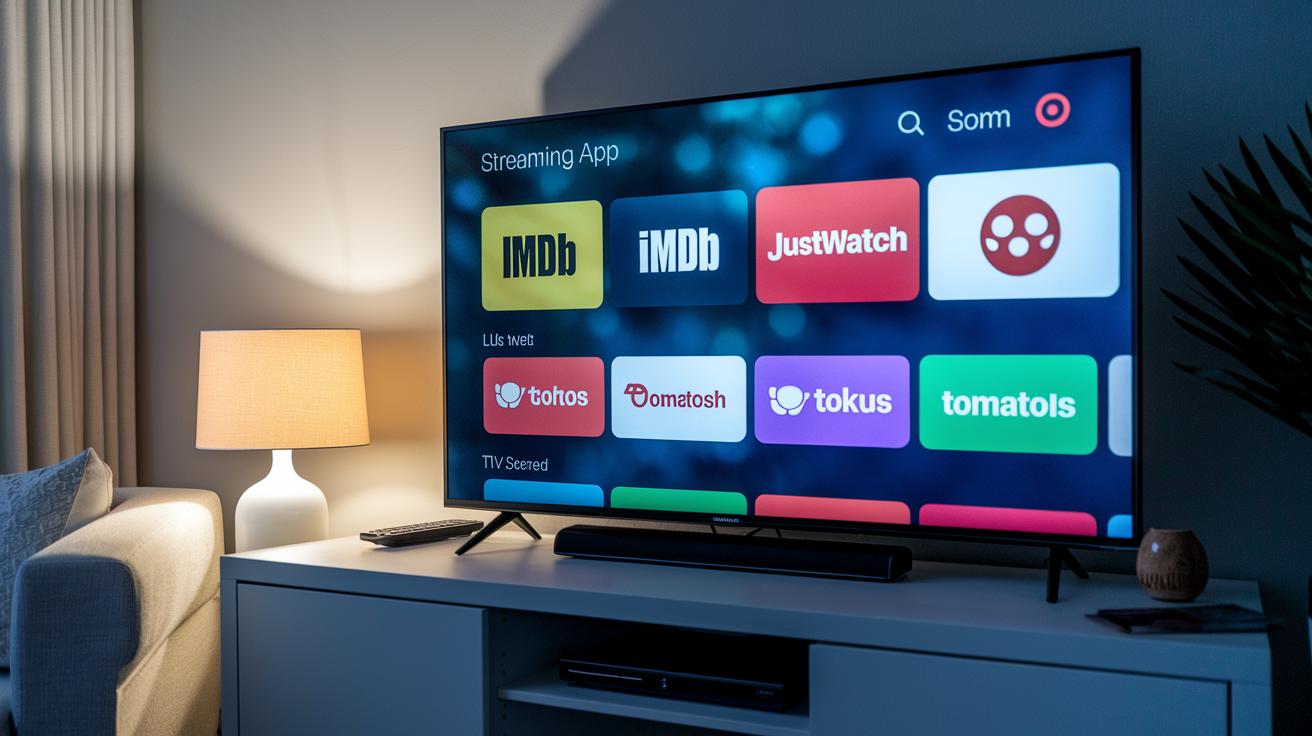
Getting your streaming list in order can change the way you watch. Many viewers use IMDb for movies and EpisodeCalendar for TV shows, even setting up alerts for new releases. Tools like JustWatch check what’s available right now, while Rotten Tomatoes offers easy-to-understand critic opinions. When you plan your queue carefully, it becomes a simple, step-by-step guide for your movie or binge night.
Define Selection Criteria
Start by picking titles that match your interests and fit into your schedule. Choose movies or shows in your favorite genres and check if their length fits the time you have. Ask yourself if a series’s episode count makes it possible to watch in one sitting. This keeps your choices clear and focused.
Rank by Priority
Once you have a bunch of titles, sort them into high, medium, or low priority. A high-priority pick could be a movie with great reviews or a TV show that frequently sends EpisodeCalendar updates. Titles that catch your eye but aren’t urgent should be marked medium or low. Ranking them saves you time and makes it obvious what to watch next.
Sequence and Scheduling
Organize your picks by grouping similar titles and setting up viewing times. You might theme your films or plan a series marathon one night. Use a calendar to set specific dates and times, maybe a movie night for two shorter films. This turns a messy list into scheduled events you can actually enjoy.
A well-prioritized digital queue cuts through the clutter, making your viewing journey easier and more fun.
Integrate Tools and Apps for Stream Queue Management
Keeping track of watchlists on different platforms feels like handling multiple to-do lists that never line up. Each service, like Netflix, HBO Max, or Hulu, has its own way to save shows, forcing you to jump from one app to another. This mix-up can slow you down and make your viewing time more work than fun. Think about trying to check IMDb for movie details while watching for new episodes on EpisodeCalendar. It all gets messy fast. By gathering your shows in one central watchlist, you avoid switching between apps and make sure your streaming time stays smooth and easy.
| Tool/App | Key Feature | Platform Coverage |
|---|---|---|
| Plex | Universal watchlist integration | Multiple streaming services |
| IMDb | Comprehensive movie database and ratings | Movie tracking |
| EpisodeCalendar | TV episode scheduling and alerts | TV shows |
| JustWatch | Streaming availability search | Movies and TV shows |
| Rotten Tomatoes | Critic consensus scores | Movies and TV shows |
| Netflix native list | Add-to-list convenience | Netflix library |
| YouTube Watch Later | Built-in video queue | YouTube content |
No single tool has it all. For example, IMDb delivers rich movie details but does not handle TV episodes like EpisodeCalendar does. The best fix is to mix and match; use something like Plex as your main watchlist hub, and add native lists for quick picks. This way, your streaming lineup stays tidy and efficient, letting you enjoy your shows without any extra hassle.
Schedule and Optimize Media Consumption with a Content Scheduler
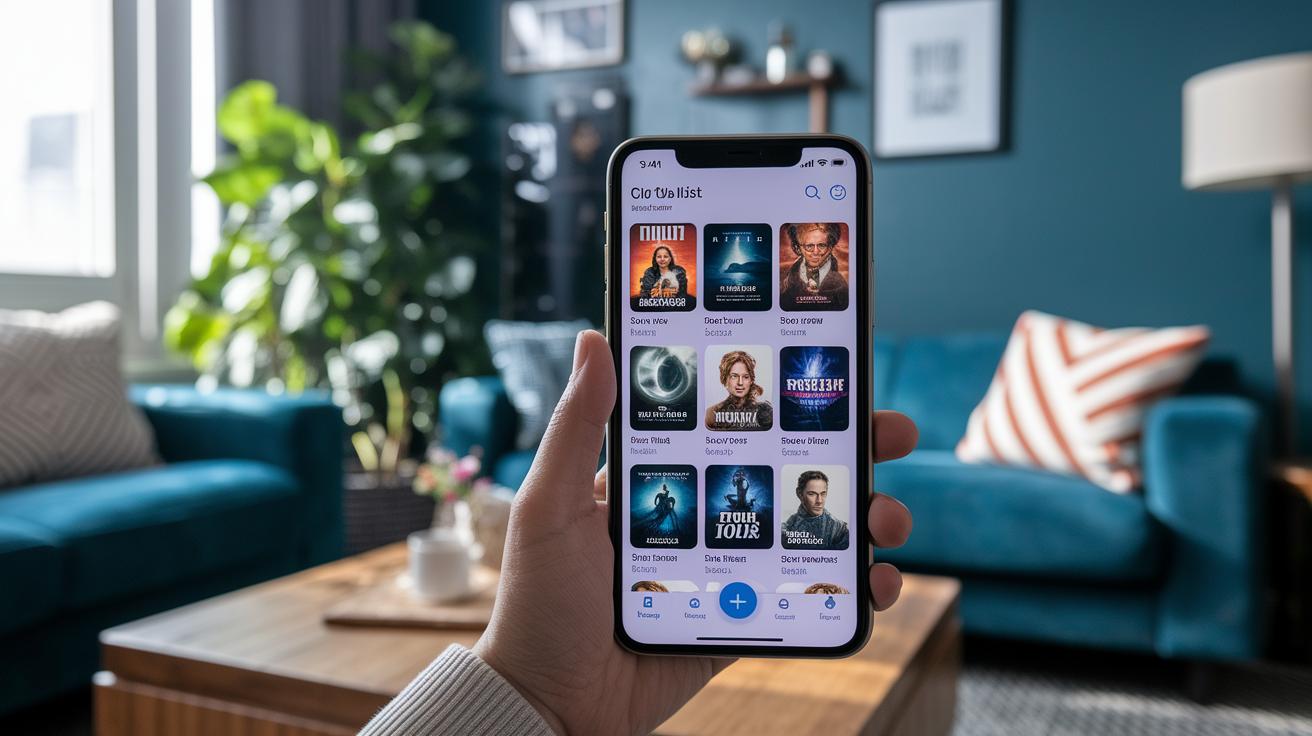
Carve out dedicated time for your favorite movies and episodes, turning your cluttered watchlist into clear, set viewing sessions. With a trusty content scheduler, you can mark off specific time slots for each title. EpisodeCalendar’s monthly view shows you upcoming drops, and syncing with your digital calendar helps you avoid conflicts. This steady routine keeps your media consumption smooth and organized.
Create a Viewing Calendar
Choose any calendar app and set up a weekly or monthly plan for watching your favorite shows and movies. Block out time each day or week solely for streaming. List your titles by their release days and runtime so you know exactly what to watch and when. This simple setup prevents scheduling clashes while turning your viewing into a regular habit.
Automate Session Reminders
Link calendar notifications and streaming alerts to automatically remind you of your viewing sessions. Sync your reminders with Google or Apple Calendar to get alerts just before a show or movie begins. Whether it’s a hint for a new episode or a reminder for movie night, these prompts help you stick to your plan and keep your queue moving.
Track Progress and Maintain Momentum in Your Streaming Watchlist
Every movie you finish or series you complete gives you a little boost. When you mark a title as watched, it feels like a tiny victory that adds up over time. For example, after binging a long show, take a minute to appreciate the win. Recognizing these moments can help you clear your queue instead of letting titles linger without a finish line.
Many streaming services offer built-in tools to track your progress. Plex shows a progress bar that lets you see exactly how far a movie or series has gone, while EpisodeCalendar lets you check off entire seasons once you’ve seen them. IMDb also lets you log the dates you finish your shows, so you have a clear timeline of your viewing history. Plus, third-party trackers often include an easy “mark as watched” button that updates your list right away. Using these features means you'll always know where you stand with your watchlist.
Try setting aside a little time each week to review your progress. During this quick check-in, update the titles you’ve finished and remove any that no longer spark your interest. This habit helps you notice patterns, maybe long movies are your deal, or you prefer shows with fewer episodes, and it lets you adjust what you add next. Regular reviews keep your watchlist fresh and full of shows and movies that truly motivate you.
Overcome Common Roadblocks to Finish Your On-Demand Series

Streaming fans often get stuck because too many choices lead to feeling overwhelmed. One moment you're looking at a new show, and the next you're jumping from platform to platform without a real plan. This leaves you with a long list of half-watched series and a never-ending queue.
Try watching in small, 20-minute blocks. Set a timer and stick with one show until it rings. Mix up genres to keep things interesting and set a tiny daily watch goal. These bite-sized sessions help cut down decision fatigue and let you enjoy finishing each pick on your list.
Refine and Refresh Your Watchlist for Continuous Completion
Every month or quarter, take a moment to review your watchlist. Remove shows or movies you’ve already seen or no longer enjoy. Refresh it with new picks that match your mood and future plans. Try setting aside a short time to clear out old titles and add fresh ones that keep you motivated to finish your lineup.
Mix in tips from friends and your own tracking notes to fine-tune this routine. Regular check-ins help build a tidy, evolving list that grows with your tastes.
Final Words
In the action, you learned how to build a streaming watchlist (queue) that you’ll finish by setting clear finish goals, handpicking your picks, and syncing your viewing schedule. We broke down essentials like prioritizing titles, using handy digital tools, and tracking progress along the way. Tackling common obstacles, such as decision fatigue and time clashes, sets you up for steady completion. Refreshing your list keeps it lean and fun. Enjoy a productive binge experience that brings more joy and less hassle to your screen time.
FAQ
What does a movie watchlist on Google refer to?
The phrase “movie watchlist Google” means using Google search to find resources that help you build and manage a list of movies to watch from various streaming platforms.
How can I show my watchlist?
“Show my watchlist” means displaying your saved movies or shows using built-in features on services like Plex, IMDb, or native streaming apps that compile your selected titles in one view.
How do I set up a movie watchlist using Google?
The term “want to watchlist Google” suggests using online tools found via Google to compile and organize a list of films you plan to watch, connecting various streaming options in one spot.
What is the best movie watchlist available?
When discussing the best movie watchlist, many users favor tools like Plex’s universal watchlist, which consolidates content from multiple services to create a streamlined, easy-to-manage viewing queue.
What should I do if my watchlist is full?
“My watchlist full” describes a common situation where your list needs tidying. Consider pruning outdated selections and focusing on titles that fit your current viewing goals and available time.
How can I create a movie watchlist?
A movie watchlist creator is any app or service—like IMDb lists or Plex—that lets you compile, sort, and track movies you want to see, providing a simple way to organize your viewing plans.
Are there free options for tracking watchlist movies?
Saying “watchlist movies free” points to free tools such as IMDb lists or YouTube Watch Later, which let you compile and manage your movie selections without having to pay for premium features.
How can I track my movie watchlist?
A movie watchlist tracker refers to tools like Plex or IMDb that help you mark titles as watched, update progress automatically, and maintain an organized, real-time view of your queued films.
How do I create a queue on Netflix?
Creating a Netflix queue involves using the “My List” feature on Netflix to add movies or shows, effectively building and organizing a personalized lineup for your next viewing session.
What is the best way to organize a movie list?
Organizing a movie list works best by setting clear viewing goals, prioritizing titles based on interest and availability, and scheduling watches to ensure your list stays manageable and fun.
Does any streaming app offer a watch party feature?
Some streaming apps now include a watch party feature, allowing groups to stream together with synchronized playback, so you can enjoy movies or shows alongside friends in real time.