
Catch Streaming Premieres at Ease
Ever feel rushed when a new streaming movie drops at an odd hour? It’s no fun scrambling at the last minute. This guide breaks down a few simple steps so you can prepare well ahead of time, check your connection speed, and pick the right streaming service, ensuring you never miss your favorite debut.
• Plan ahead and set reminders
• Run a quick speed test on your internet
• Choose a reliable service that fits your needs
Think of it as a handy playbook that turns chaos into calm. Follow these steps, and you can sit back, relax, and enjoy every premiere without the stress.
Step-by-Step Guide to Watch Streaming Movie Premieres
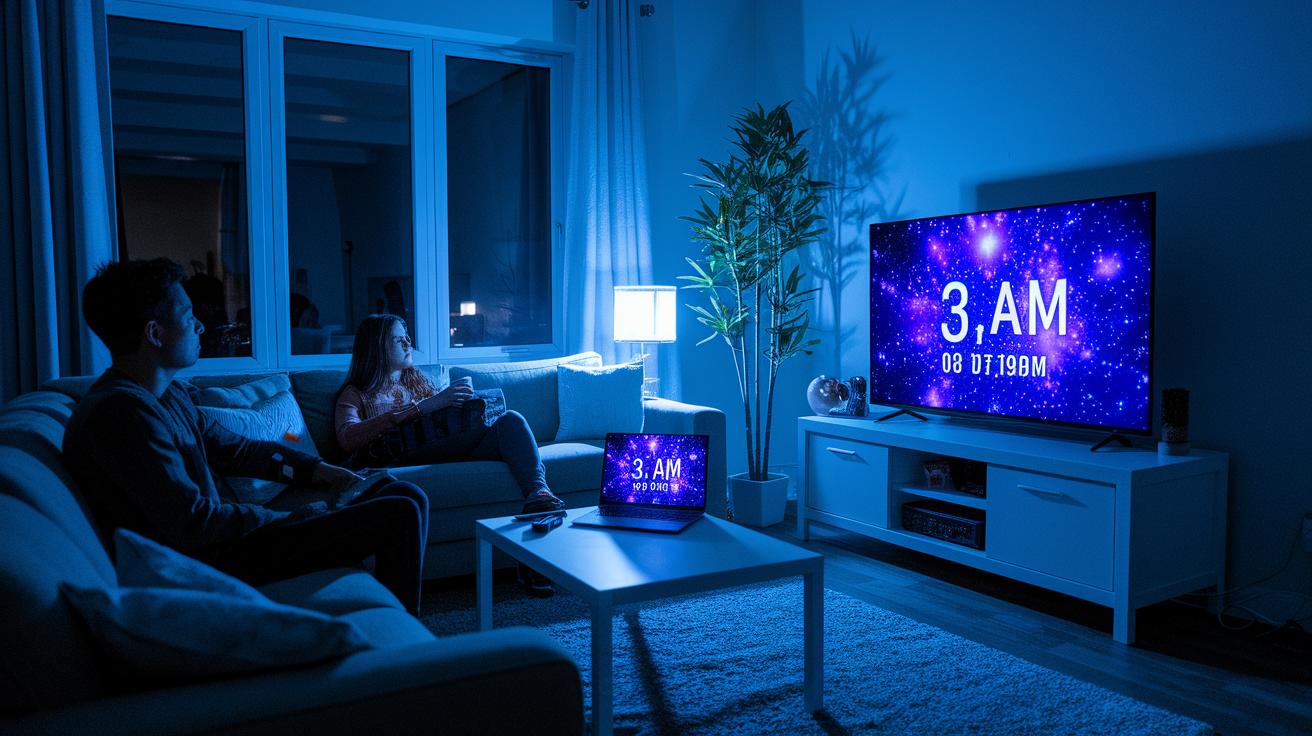
Getting ready early is key. New streaming movies often drop at 3 AM PT, so set up ahead of time to avoid missing out. Whether it’s a big debut like Stranger Things Part 1 (May 5) or a finale on January 1, it pays to be prepared.
Check that your internet speed is enough, 5 Mbps for HD or 25 Mbps for 4K, and make sure your streaming app is working.
- Choose your service (Netflix at $15.49/mo, Disney+ at $7.99/mo, Prime Video at $8.99/mo, etc.).
- Pick a plan or a pay-per-view option that fits your needs.
- Confirm your device is updated with the latest OS and app version.
- Know the exact release date and convert it to your local time.
- Run an internet speed test and open the app to catch any issues early.
- Start the stream on time and settle in for the show.
Take care of these steps well before the premiere so you can sit back, relax, and enjoy your movie without any last-minute hiccups.
Comparing Streaming Platforms for Movie Premieres
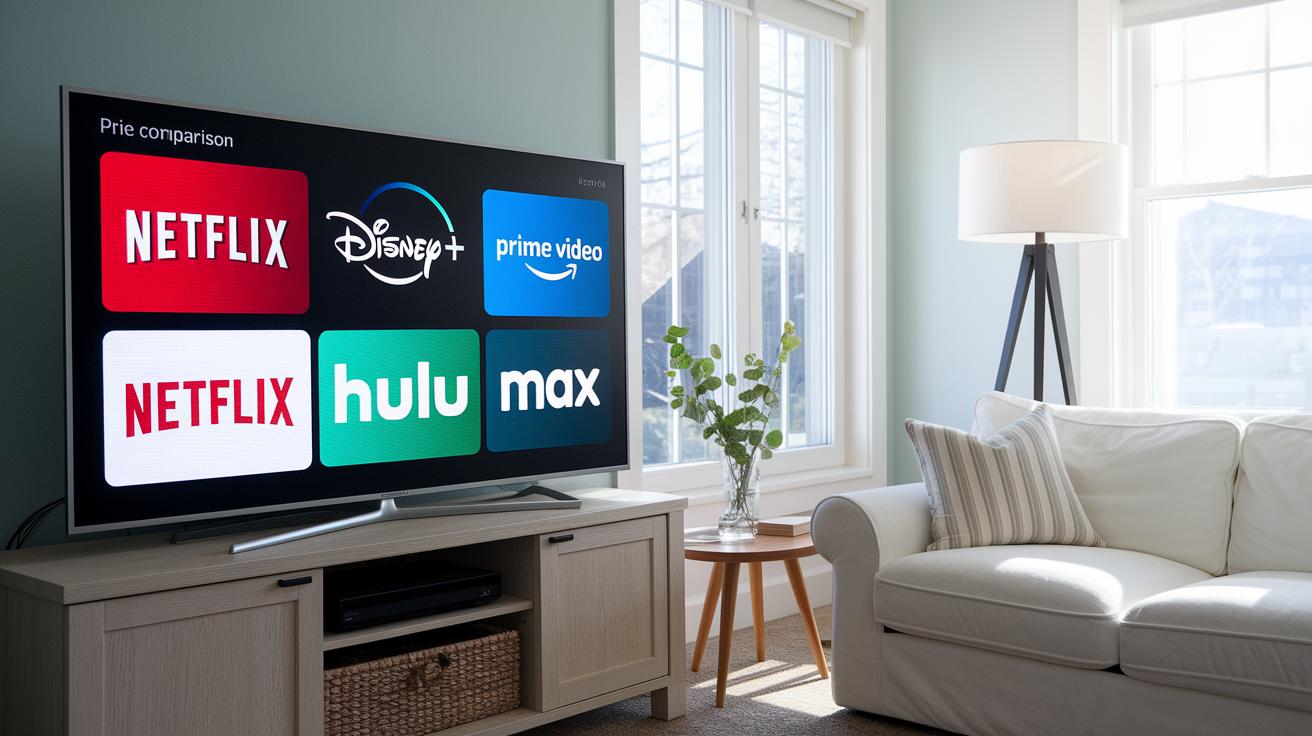
When you're choosing a streaming service for movie premieres, it's smart to match your budget with what you want to watch. Some options let you try before you buy while others require a long-term commitment.
Netflix charges $15.49 a month with its standard plan and no trial, so it's best for those ready to dive in. Disney+ offers a 30-day trial and costs $7.99 per month, giving you plenty of time to see if it fits your style. Prime Video lets you test the waters with a 7-day trial at $8.99 per month, which is great if you like to sample first. Hulu's ad-supported option comes in at $6.99 monthly, and HBO Max costs $9.99 a month with a 30-day trial, too. If you're looking for a more budget-friendly option, Peacock Premium starts at $4.99 a month and even offers a free tier. For new, first-run films, Apple TV has pay-per-view options ranging from $19.99 to $29.99.
Before you sign up, check each platform’s premiere instructions and schedule details. This will make sure you catch every key moment as the film debuts.
Device Compatibility and Optimal Streaming Setup

Make sure your streaming device is up-to-date. For the best experience, use an iPhone with iOS 13 or later, an Android phone running version 8 or higher, an Amazon device with Fire OS 5 or more, a Roku with OS 10 or later, or the newest Apple TV software. Keeping your system and apps current stops glitches during film launches so you see every detail.
Next, check your internet speed. You need a steady connection, 5 Mbps for HD and 25 Mbps for 4K. Most apps let you switch between HD and 4K, so if your speed is low, choose HD to avoid buffering during important scenes.
Finally, set up your audio for the best sound. Use Bluetooth speakers for easy setup or connect using HDMI to link with your home theater receiver. Testing your audio ahead of time helps ensure clear dialogue and rich sound. A quick pre-check means you enjoy a smooth, high-quality viewing experience from the very start.
Tracking Release Dates and Upcoming Digital Premieres
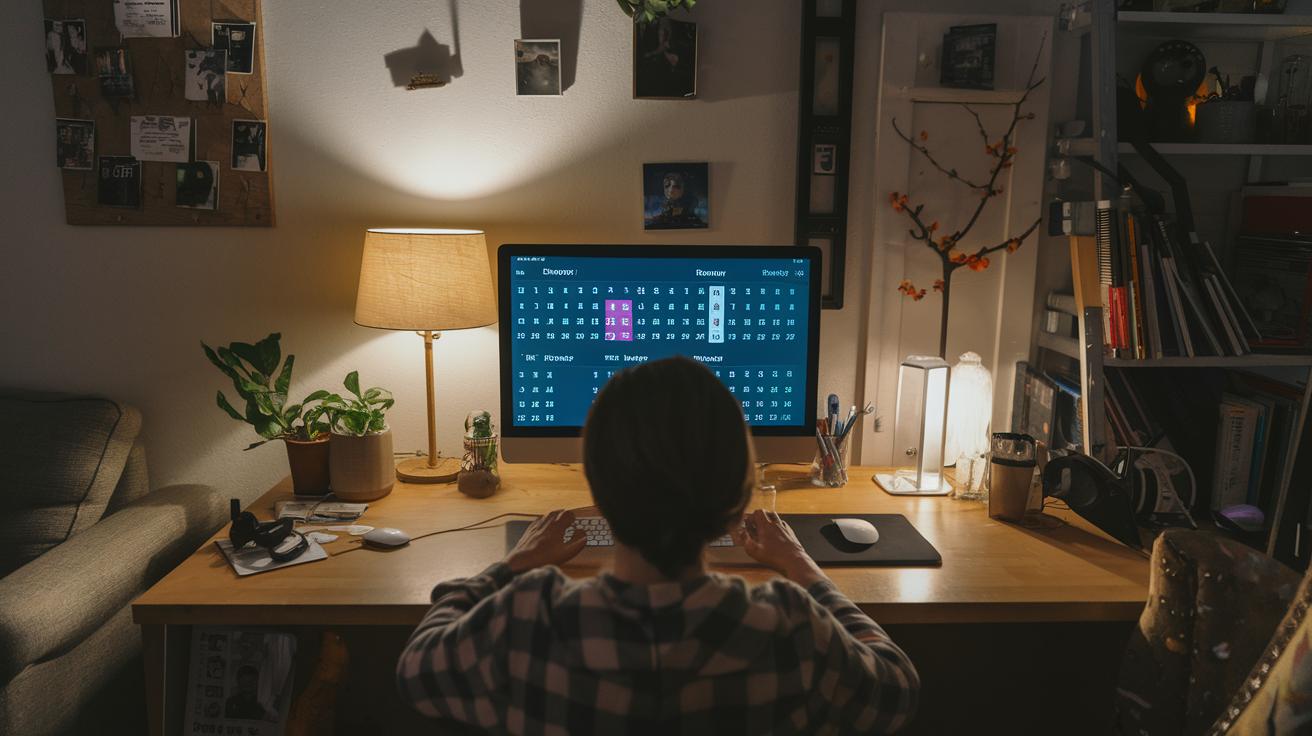
Streaming services update their "Coming Soon" calendars every week, usually on Tuesdays. Some platforms, like Apple TV, launch their films at midnight on Friday local time, while others schedule their releases for the early morning. For example, Stranger Things S5 Part 1 premiered on May 5, with later parts set for December 26 and January 1.
To keep up with these dates, subscribe to the calendars or newsletters offered by your favorite streaming service. You can also set mobile calendar alerts or use third-party apps that send real-time reminders. This way, you'll never miss an upcoming digital premiere, and your film schedule stays perfectly organized.
Troubleshooting Streaming Issues During Premieres

Streaming premieres can sometimes run into glitches that interrupt your show. You might see buffering because your internet can't keep up, or the sound might fall behind the video. It could even be that you have trouble logging in during busy times or the app suddenly shuts down right when the movie starts. For instance, if your stream repeatedly pauses, your connection may be too slow, 4K content usually needs about 25 Mbps. Similarly, if the dialogue seems off, the audio and video might be out of sync.
When these problems happen, start with a few quick fixes. Clear your app's cache to remove old files, then restart your router to refresh your connection. If buffering continues, try using a wired Ethernet connection instead of Wi-Fi. And if the app still crashes or you keep having login issues, reinstall the app to fix any corrupted files. If nothing works, check the platform’s online status page or reach out to their support team for help.
Virtual Premiere Best Practices and Watch Party Tips

When you tune in for a streaming movie premiere, choose a trusted watch-party option like Teleparty, Zoom screen-share, or Discord streaming. Sync up your start time with friends so everyone sees the film at the same moment, making it a real shared event. A lively chat running alongside the movie can add fun commentary and live reactions, much like a theater experience.
Set the perfect mood by dimming your lights to a soft, ambient glow. Enhance your sound with quality speakers or a surround-sound setup for crisp dialogue and immersive audio. Grab some movie-themed snacks and add simple decorations that connect to the film's vibe. To join a bigger conversation, use any official hashtags or take part in live Q&A sessions for on-the-spot cast insights and fan chat.
Final Words
In the action, this guide walked you through catching streaming movie premieres. It broke down steps like picking a service, setting up your devices, and making sure you’re ready for go-time. Each section offered clear pointers on avoiding stream glitches and even tips to boost your virtual watch party experience. With these practical tips, you can easily keep each step in check and know how to watch streaming movie premieres without a hitch. Enjoy your next screening and the fun of a smooth, hassle-free viewing experience.